Scope:
This post explains the steps to install "Times Ten" on windows.
execute setup.exe


Installation is completed...
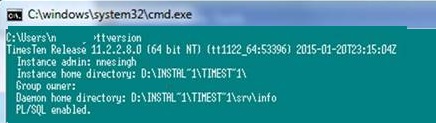
Post Installation, we need to check whether timesten is installed or not:
Let's see how this can be done:
Set the path of timesten installation directory in PATH variable.
Open command prompt and run ttstatus

This post explains the steps to install "Times Ten" on windows.
 |
| Install TimesTen on Windows |
Download the software
Unzip it at staging area:
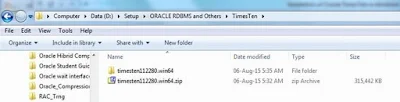
Navigate the unzipped directory and execute setup.exe files.


Navigate the unzipped directory and execute setup.exe files.

Setup will start and steps are as following:
execute setup.exe


Post Installation, we need to check whether timesten is installed or not:
Let's see how this can be done:
Set the path of timesten installation directory in PATH variable.
Open command prompt and run ttstatus